Hours of service
Four clocks, always counting
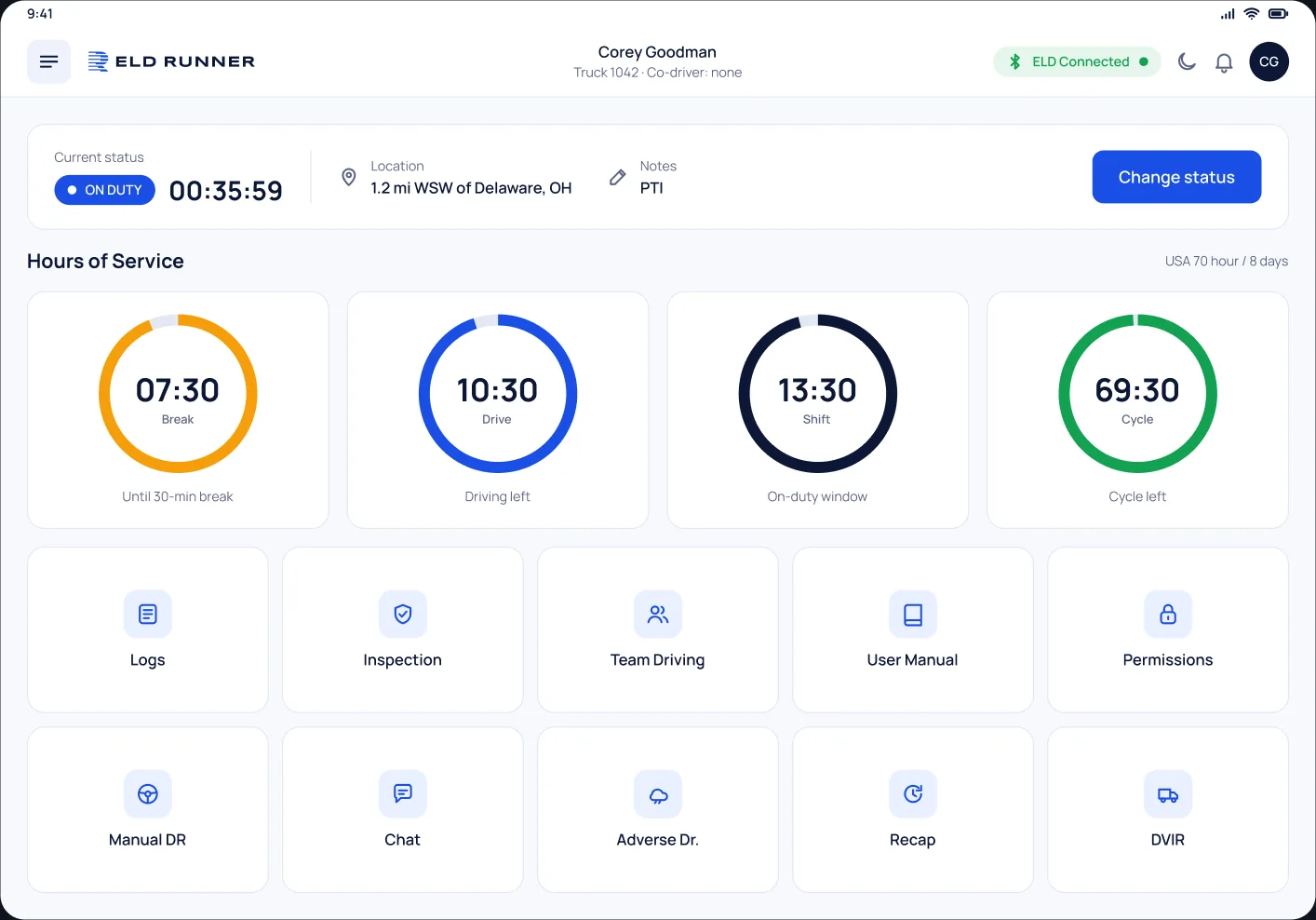
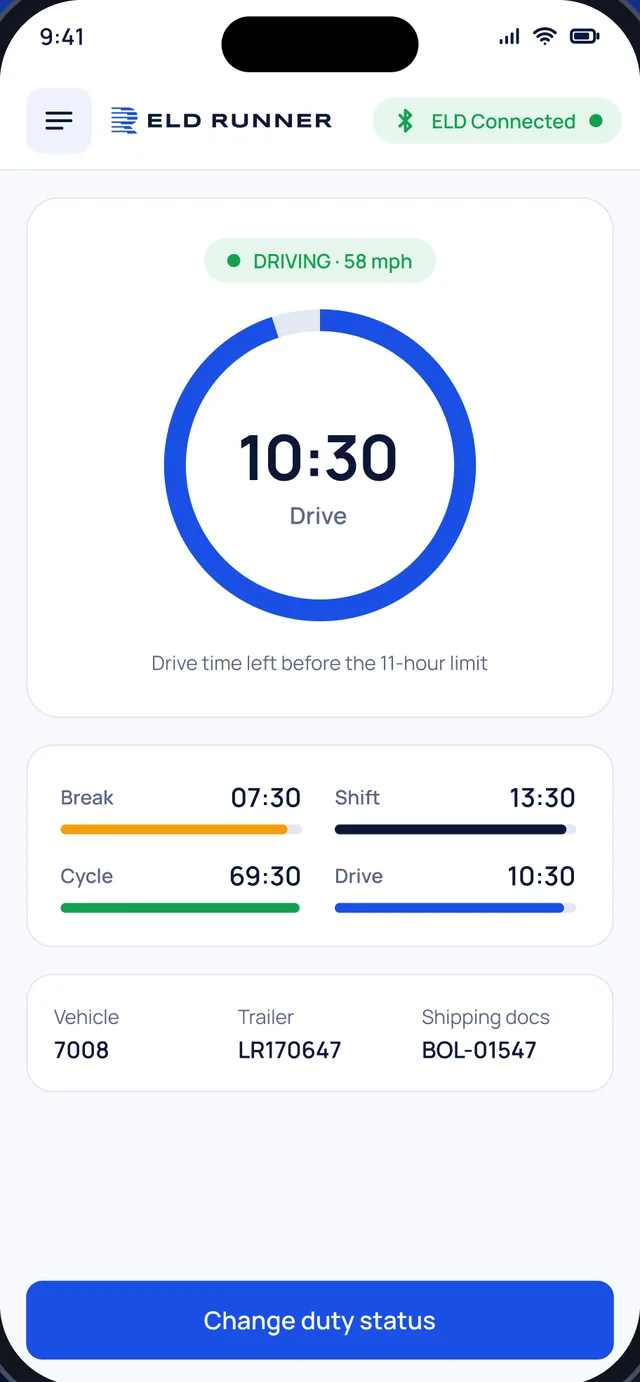
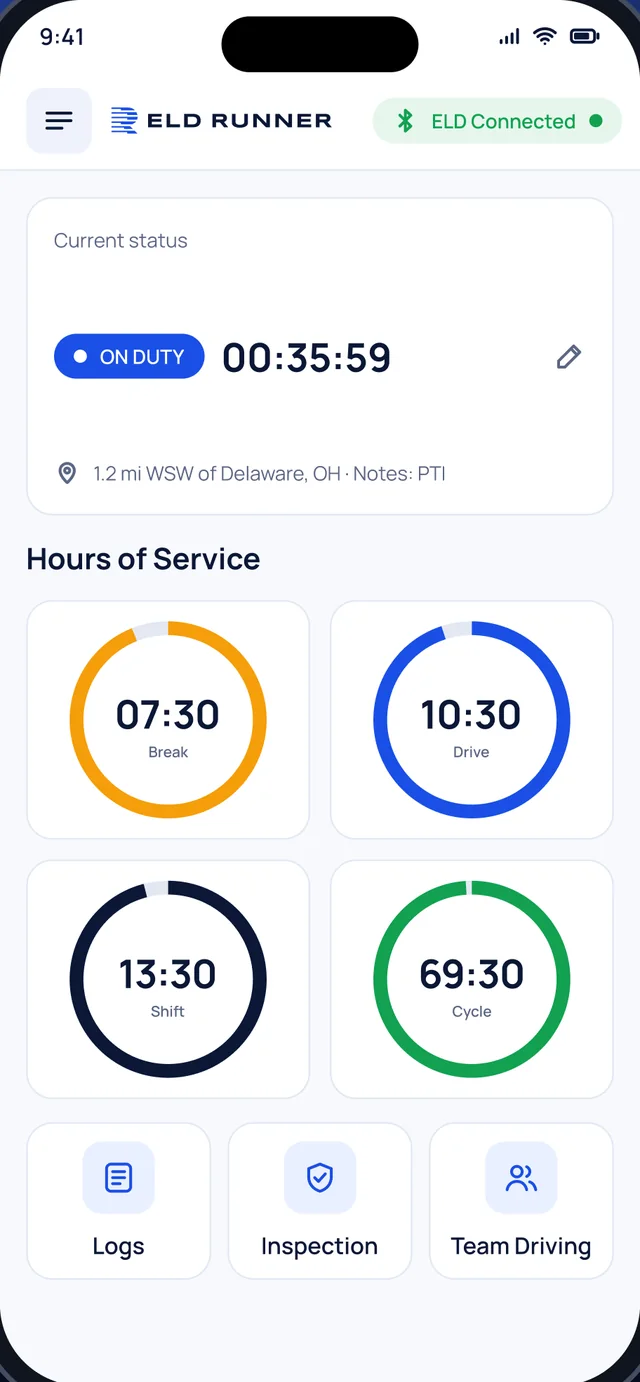
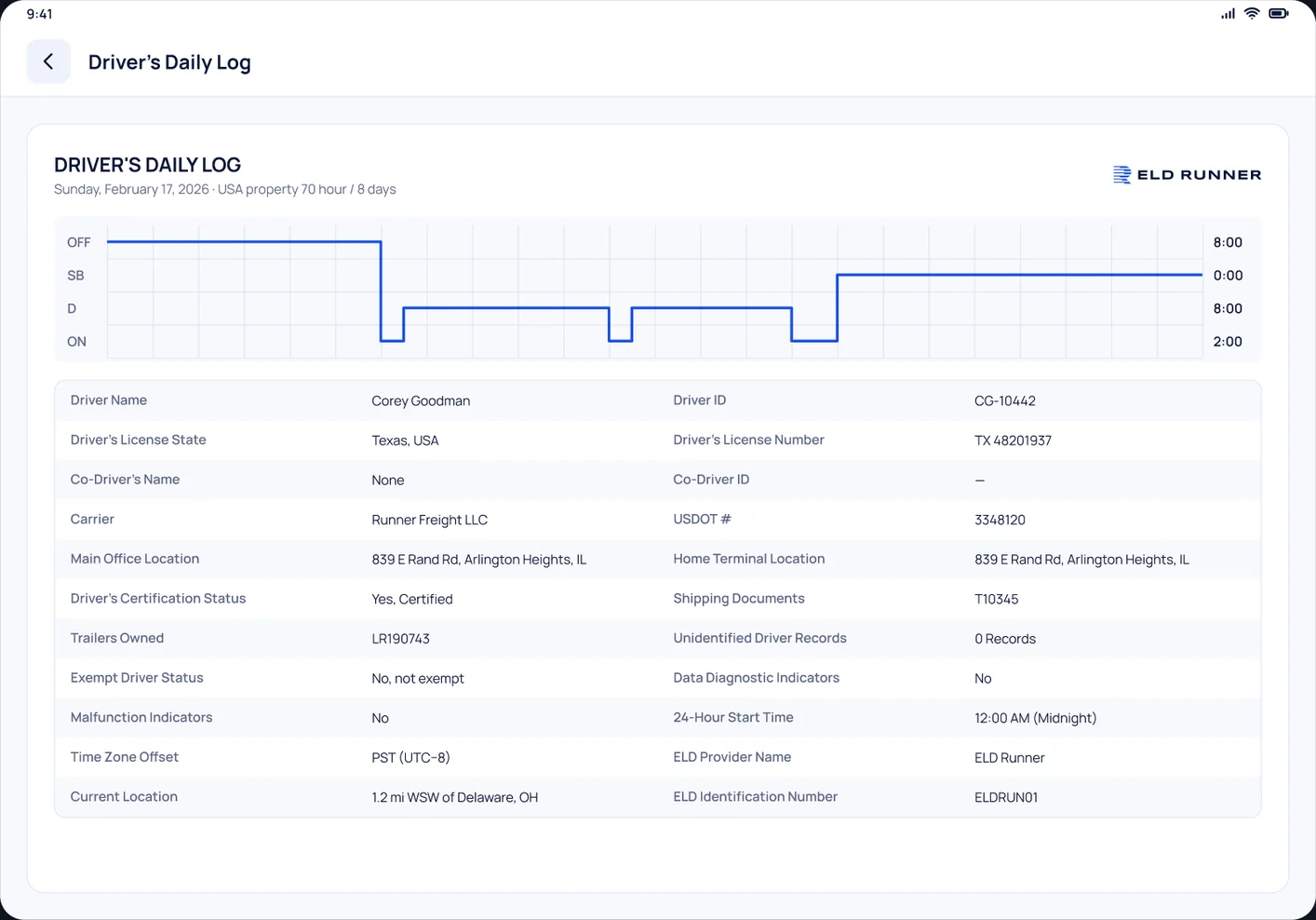
Break, Drive, Shift and Cycle count down against the 30-minute break, the 11-hour driving limit, the 14-hour window and the 70-hour / 8-day cycle.
ELD app for drivers and fleets
ELD Runner starts the log the moment the truck rolls, keeps every clock in view and gets records to the officer in a few taps. Made for US carriers on PT30 and IOSiX hardware.
Built to FMCSA ELD technical specifications · 49 CFR Part 395, Subpart B


ELD Connected
Features
Recording, certification, edits, malfunctions and transfers all follow the FMCSA ELD technical specifications, so drivers spend their time driving and the office spends less time on paperwork.
Hours of service
Break, Drive, Shift and Cycle count down against the 30-minute break, the 11-hour driving limit, the 14-hour window and the 70-hour / 8-day cycle.
Duty status
At 5 mph the app moves to Driving on its own. After 5 minutes stopped it asks the driver, and switches to On Duty if there is no answer.
Pre-trip and post-trip inspection reports with defects, notes and the driver’s signature.
Live truck locations, trip history and route playback for dispatch.
Miles by state and jurisdiction, ready for the quarterly return.
Co-driver logs on one device and a quick switch between drivers.
Driving with no one logged in is kept for the office to assign.
Driver app
Large clocks, clear colours and big buttons that are easy to hit in the cab.


DOT inspections
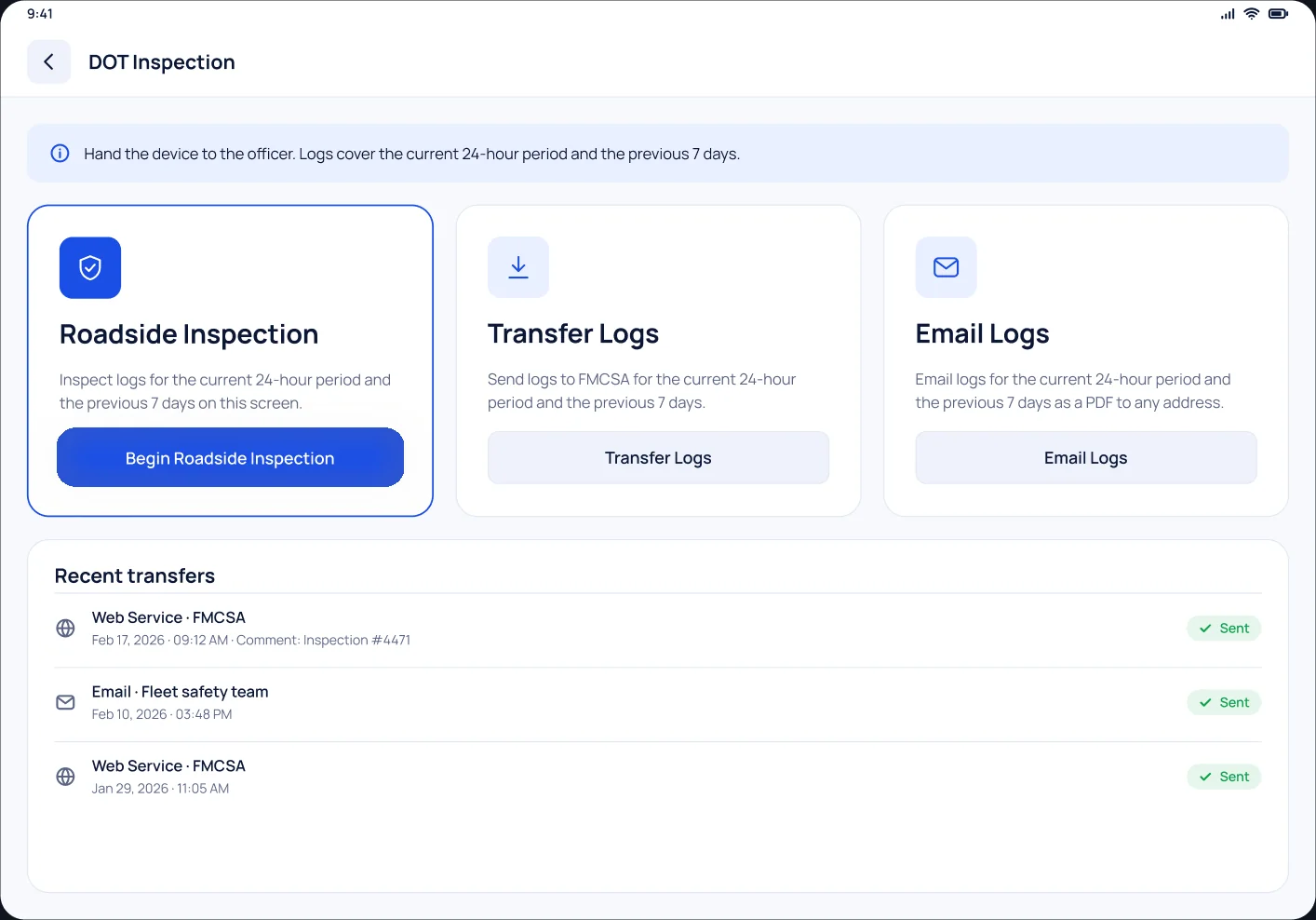
The officer sees the current 24 hours and the previous 7 days on the driver’s screen, or gets the file straight from FMCSA.
Keep the ELD Runner user manual and DOT Instruction Guide in every truck, as 49 CFR 395.22(h) requires.
Compliance that
keeps moving.
Electronic logging for US trucking fleets
Hardware
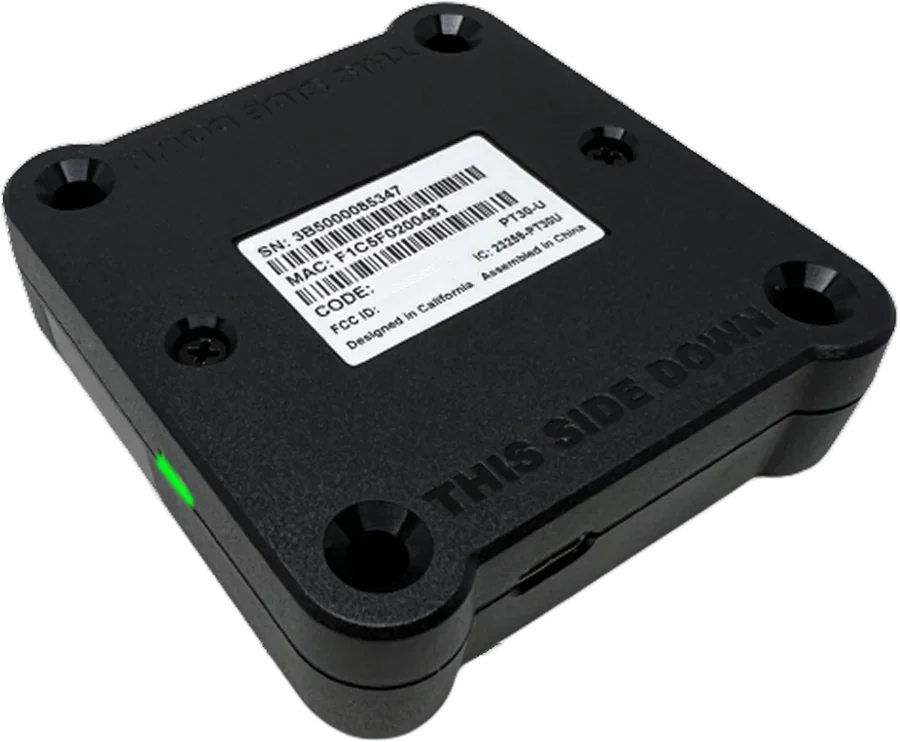
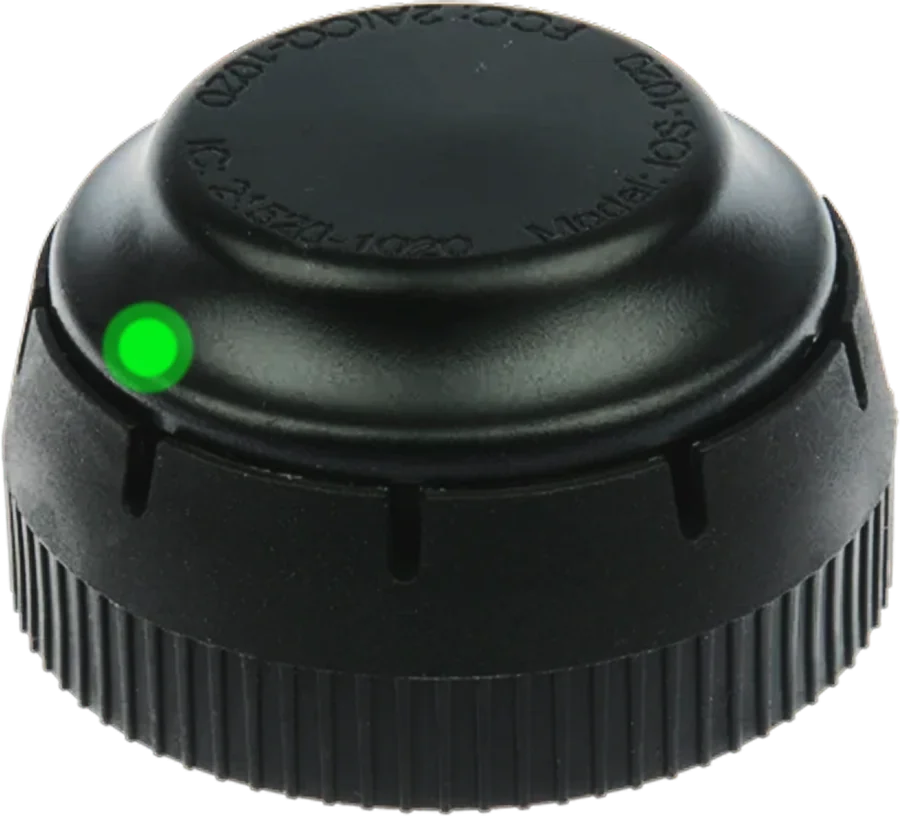
Both plug into the truck’s diagnostic port and pair with the driver app over Bluetooth. Installation takes minutes and needs no tools.

Pacific Track

IOSiX
Getting started
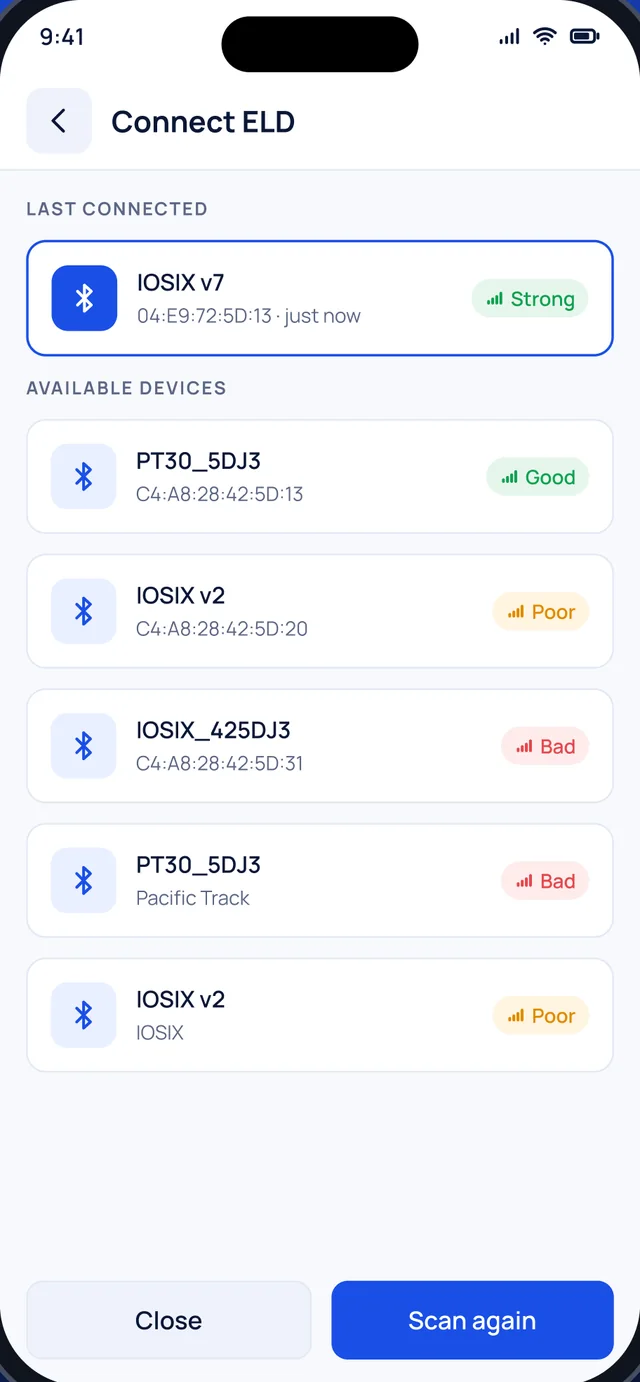
The same four steps the app shows on its Connect ELD screen.
Start the truck so the ELD gets power from the vehicle.
Connect the PT30 or IOSiX to the truck’s diagnostic port.
Open Connect ELD with Bluetooth on. The strongest signal is usually yours.
The status pill turns green. From here hours record on their own.
FAQ
Something else on your mind? Call (919) 125-4111 or write to info@eldrunner.com.
The Pacific Track PT30 and the IOSiX ELD. Both plug into the truck’s diagnostic port and pair with the driver app over Bluetooth.
Yes. ELD Runner is built to the FMCSA ELD technical specifications in 49 CFR Part 395, Subpart B: automatic recording, driver certification, edit history, malfunction monitoring and roadside data transfer by Web Service and Email.
Tap the menu icon, open DOT Inspection and tap Begin Roadside Inspection to show today and the previous 7 days. To send the records, tap Transfer Logs, choose Web Service or Email, enter the officer’s comment and tap Confirm.
The driver notes the malfunction, tells the carrier in writing within 24 hours and keeps paper logs until the device is fixed. The carrier has 8 days to repair or replace it (49 CFR 395.34).
A carrier can propose an edit with a reason. It takes effect only after the driver accepts it, and the original record stays in the history.
Yes. ELD Runner runs on iPhone, iPad and Android phones and tablets, with a layout made for each screen size.
At least 6 months, as 49 CFR 395.8(k) requires. Carriers can export their data at any time.
Contact
Tell us about your trucks and routes. We’ll show you the driver app, the fleet portal and the hardware, and help you plan the switch.